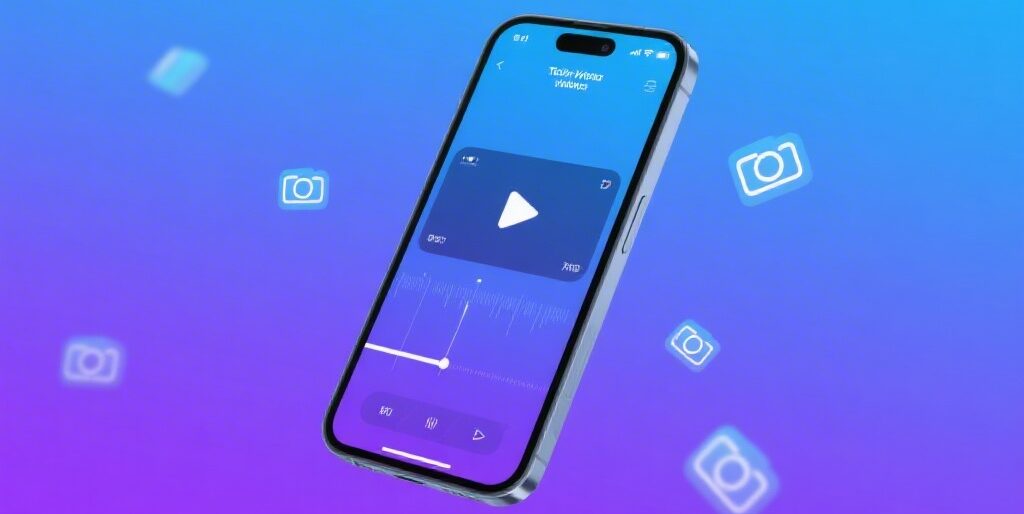
What is VN Video Editor?
VN Video Editor is a comprehensive video editing application available for iOS, Android, and macOS. Unlike many “free” video editors that plaster watermarks on exports or lock essential features behind paywalls, VN delivers a genuinely free experience with no watermarks, no forced subscriptions, and full access to professional tools.
The app strikes a rare balance: beginners can jump in and create polished content immediately, while experienced editors have access to advanced features like keyframe animation, multi-track editing, and 4K/60FPS exports.
Key Features and Capabilities
Multi-Track Timeline Editing
VN offers a professional multi-track timeline where you can layer videos, audio tracks, text, stickers, and overlays with precision. The timeline zooms down to 0.05 seconds, giving you frame-accurate control over your edits—something typically reserved for desktop software.
Advanced Effects and Transitions
The editor includes picture-in-picture (PIP), masking capabilities, blending modes, and curved speed ramps with six presets that rival Adobe Premiere Pro. You can create freeze frames, reverse footage, apply zoom effects, and use professional transitions to keep viewers engaged.
Audio Tools
VN provides robust audio editing including music import from your library, J-cuts and L-cuts for smooth audio transitions, volume adjustments, and fade controls. This level of audio control is unusual for a mobile editor.
Text and Subtitles
With 19 preset text animations, customizable fonts (including import options), and full control over size, position, and color, VN makes creating professional titles and subtitles straightforward.
Color Grading and LUTs
Import custom LUT files (.cube format) and apply cinematic color grading to match your aesthetic. This feature alone puts VN in professional territory.
Cross-Device Project Sync
Start editing on your iPhone, continue on iPad, and finish on Mac. Projects transfer seamlessly via AirDrop and iCloud, making VN ideal for creators who work across multiple devices.
Platform Availability
- iOS/iPadOS: Full-featured app with excellent performance on iPhone 12+ (including HDR editing)
- Android: Available on Google Play with identical functionality
- macOS: Desktop version for larger screen editing
- Not Available: Windows — the primary limitation of the platform
Who Should Use VN Video Editor?
VN is perfect for:
- Social media creators producing content for YouTube, TikTok, and Instagram
- Vloggers who need quick, professional edits on the go
- Beginners wanting pro results without a steep learning curve
- Intermediate editors who need features like keyframing and masking
- Budget-conscious creators who refuse to pay subscription fees
VN vs Competitors: How It Stacks Up
VN holds its own against CapCut and beats Adobe Premiere Rush on pricing while offering comparable core features. The main trade-off: fewer AI-powered tools.
| Feature | VN Video Editor | CapCut | Adobe Premiere Rush | iMovie |
|---|---|---|---|---|
| Price | Free, no watermark | Free (some watermarks) | Free + $9.99/mo | Free (Apple only) |
| Multi-Track | Yes | Yes | Yes | Basic |
| 4K Export | Free | Free | Premium only | Yes |
| Keyframe Animation | Yes | Yes | Yes | Limited |
| AI Features | Limited | Extensive | Moderate | Basic |
Pros and Cons
Pros:
- Completely free with no watermarks on exports
- Professional multi-track timeline with keyframe animation
- 4K/60FPS exports at no cost
- Cross-device sync between iPhone, iPad, and Mac
- Supports custom fonts, LUTs, and music imports
- App Store rating: 4.8/5 stars
Cons:
- No Windows version
- Limited AI features compared to CapCut
- Learning curve for advanced keyframe controls
- Occasional template bugs reported by users
Final Verdict
Rating: 4.7/5
VN Video Editor is a standout choice for creators who want professional results without professional pricing. It delivers where it matters: powerful editing tools, zero watermarks, and true cross-platform flexibility — all for free. If you are on Windows you will need to look elsewhere, but for iOS, Android, and Mac creators, VN is one of the best values in video editing today.
Frequently Asked Questions
Is VN Video Editor really free?
Yes, VN is completely free with no watermarks. Optional in-app purchases exist for premium templates, but all core editing features are accessible without payment.
Does VN Video Editor have a watermark?
No. VN does not add watermarks to exported videos, even on the free version.
Can I use VN on Windows?
No, VN is not available for Windows. It supports iOS, Android, and macOS only.
Does VN support 4K video?
Yes, VN supports 4K/60FPS exports at no cost, making it ideal for high-quality content creation.
How does VN compare to CapCut?
VN offers more professional editing control and zero watermarks, while CapCut provides more AI-powered templates. Choose VN for precision; choose CapCut for trend-driven content.